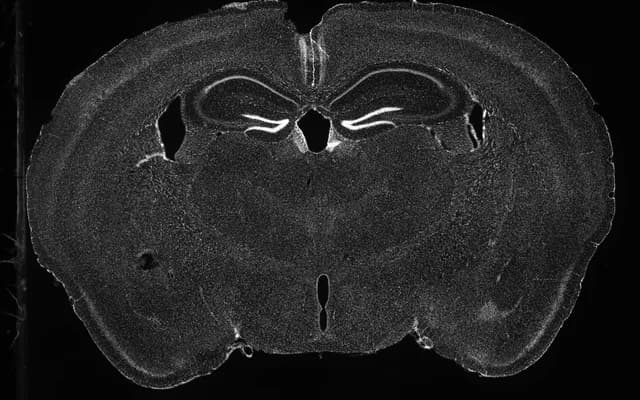
01
Upload your slice
Match your images to their stainings.

Open neuroqp.com/try on a computer to set up images and check the atlas fit.
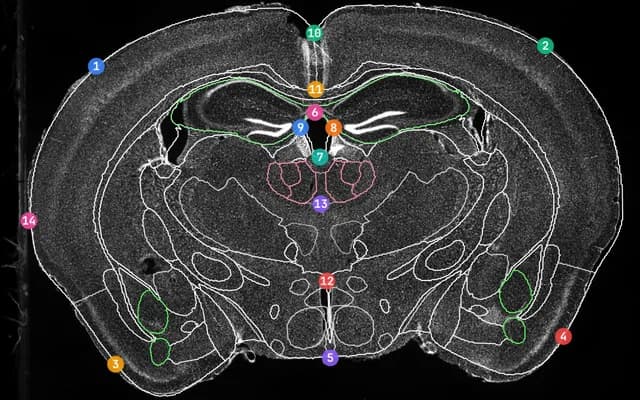
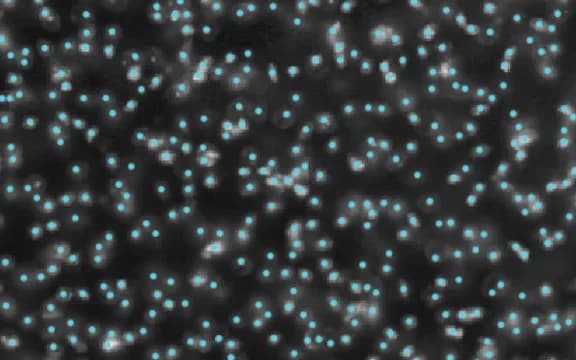
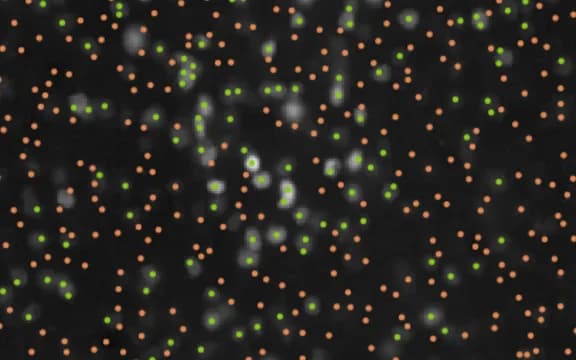
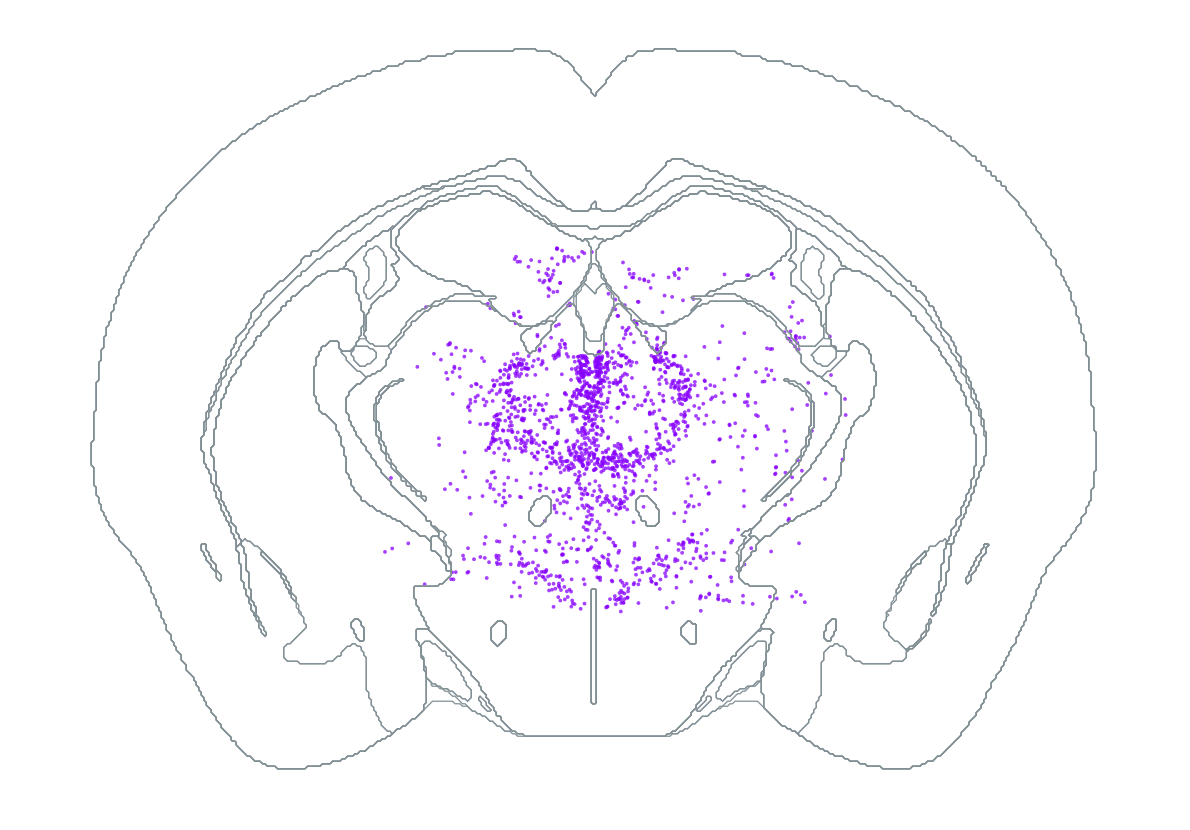
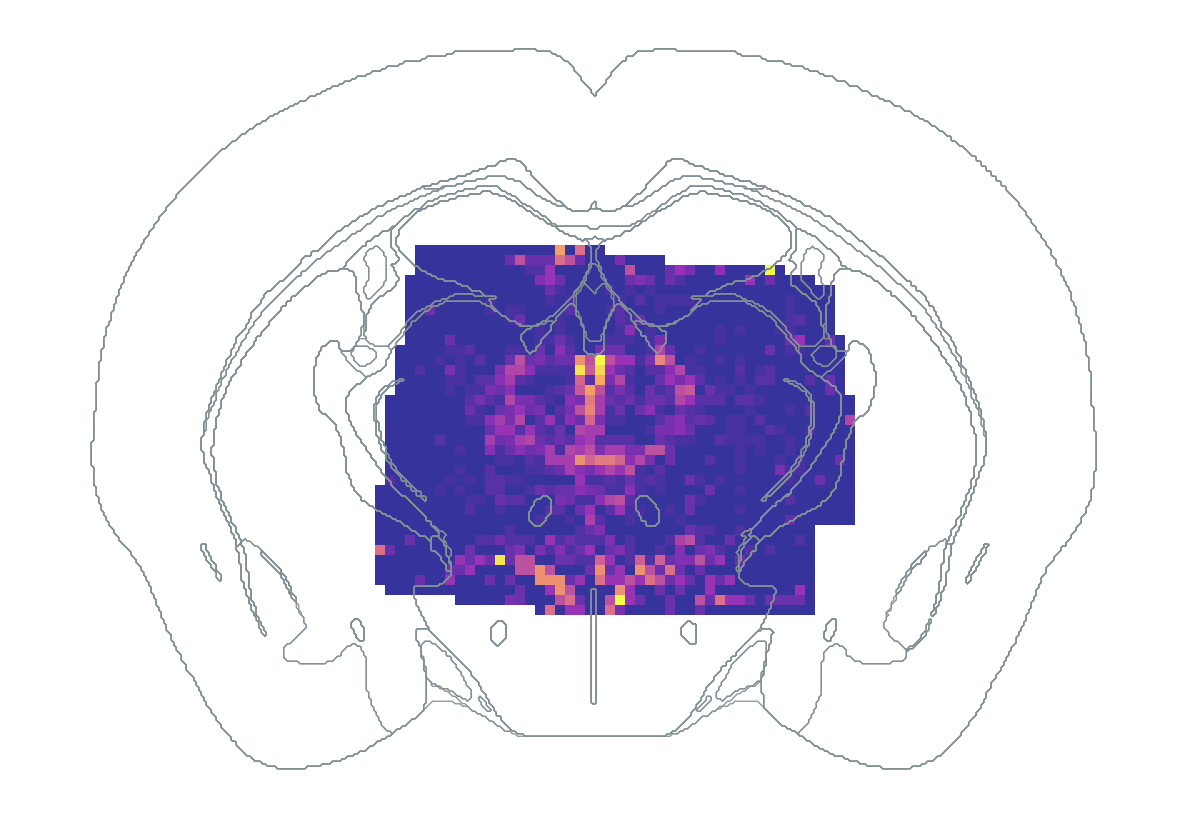
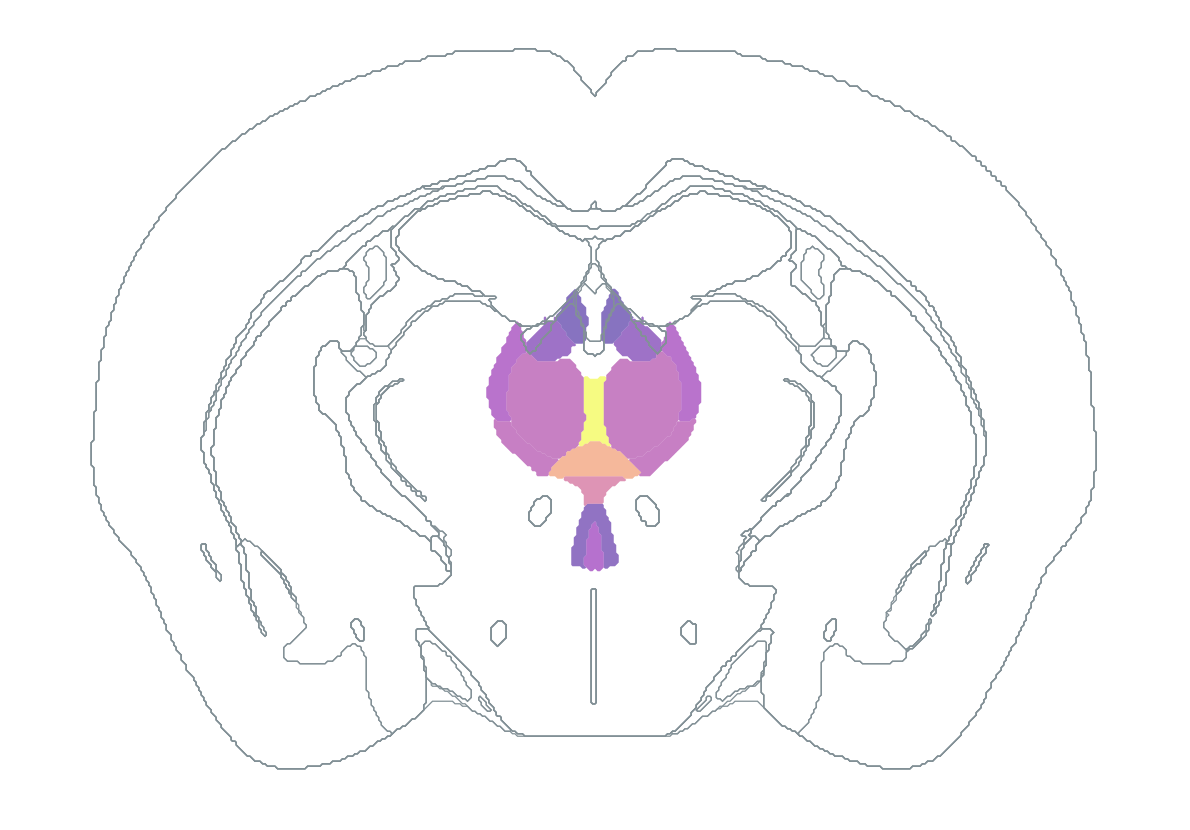
See how NeuroQP prepares your images, registers the brain atlas, finds cells, measures markers, and summarizes the results by region.
01
Match your images to their stainings.
02
Review image alignment when needed and check the atlas fit.
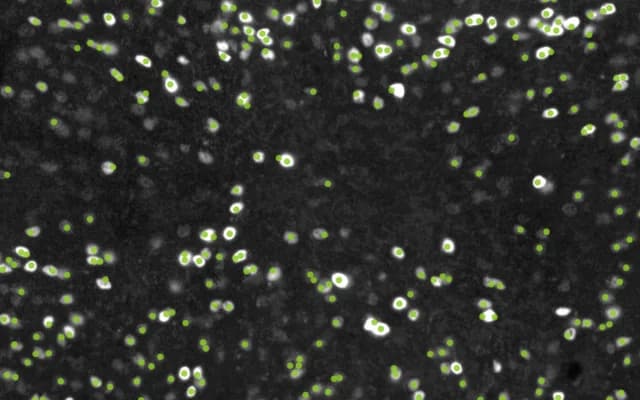
03
Inspect detected cells and marker-positive populations.
04
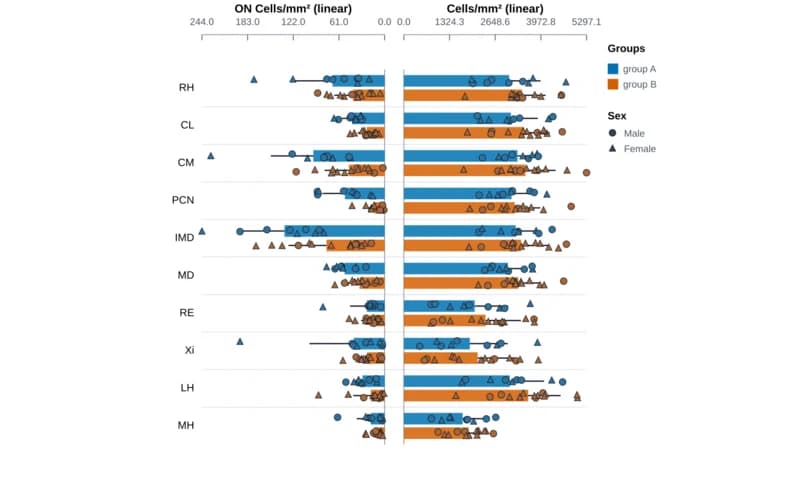
Compare regional cell counts and density.
No account is needed. Your private link lets you return while NeuroQP processes the images.
Checking availability...